
Cash handling software for GLORY smart safes
The Smart Safe Client runs on the computer beside the safe: it drives the machine, keeps every operation on record and hands it over to your systems and your cash carrier.
Install with one command
$ curl -fsSL https://api.smartsafe2.com/api/v1/download/install.sh | sudo sh GLORY Smart Safe Client
 GLORY Smart Safe Client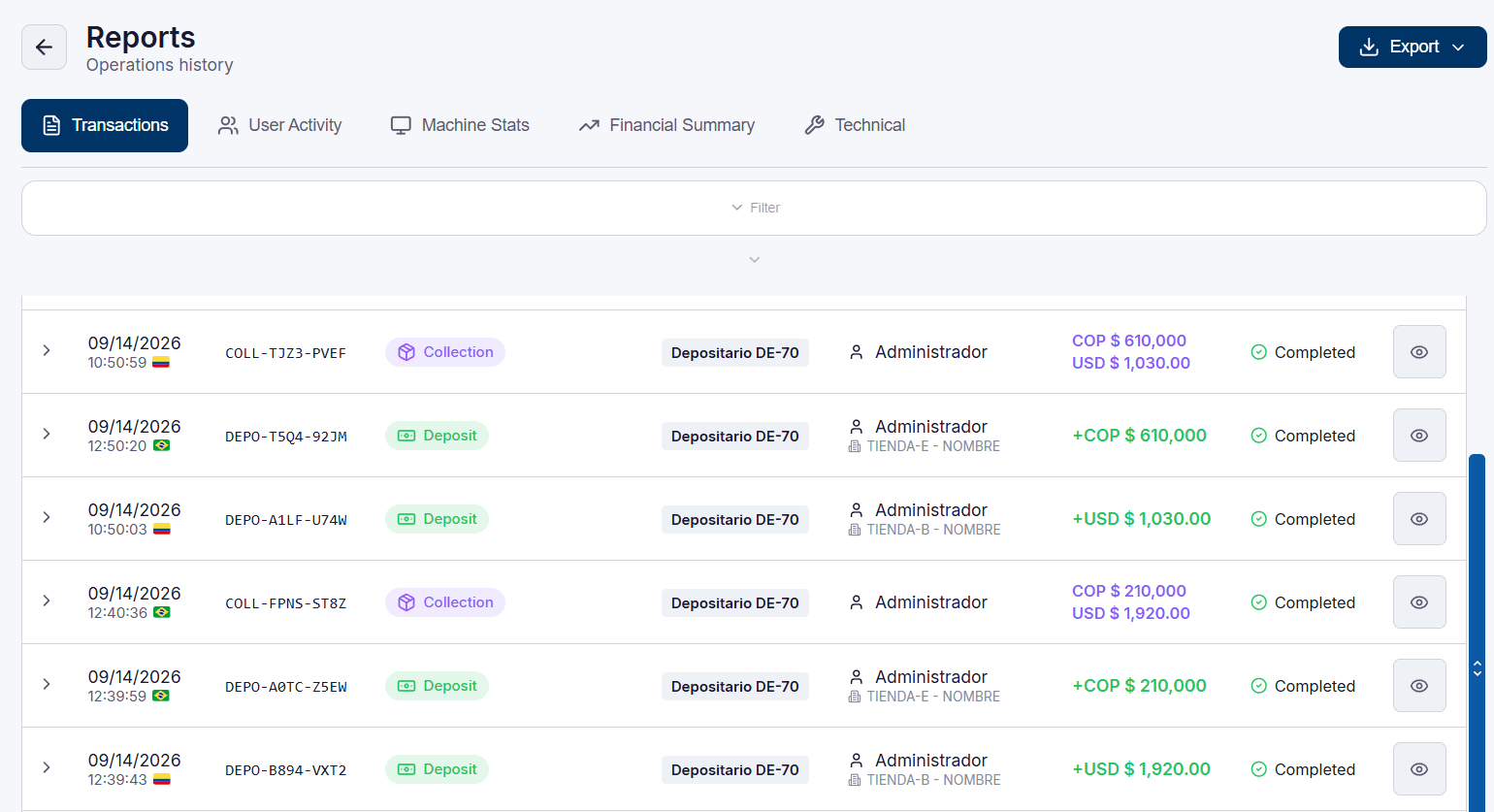
Two machines, one application
The same sign-in, reports and receipts, whichever GLORY machine the customer has.
DE-70
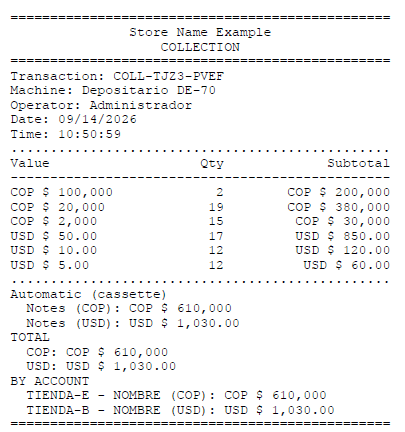
Notes validated one by one as they are deposited, collections with a printed receipt, and deposit limits per account.
 Cash recycler
Cash InfinityCI-50CI-10
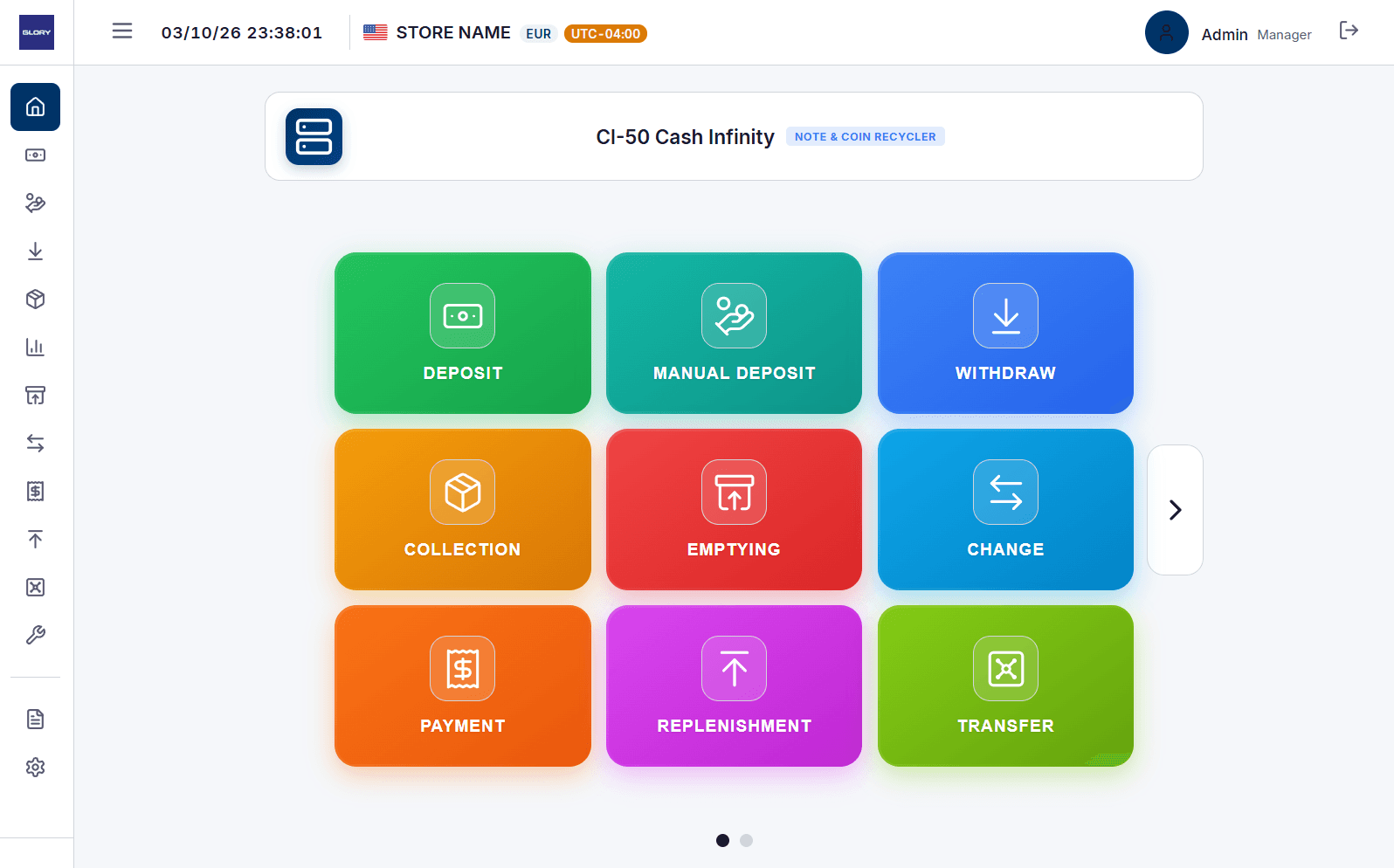
Every cash operation: deposit, withdrawal, payment, change, replenishment, transfer, emptying and collections, with the inventory of each unit.
Every operation, where it needs to go
The Smart Safe Client sends each operation on its own: to the cash-in-transit company, by e-mail or to an external system. And it keeps trying until it arrives.

- DEPO-T5Q4-92JMDepositCash-in-transitDelivered
- COLL-TJZ3-PVEFCollectionCash-in-transitDelivered
- DEPO-A1LF-U74WDepositE-mailDelivered
- DEPO-B894-VXT2DepositCash-in-transitRetrying
Delivered, or tried again
If the destination does not answer, the operation waits and is sent again until it is accepted.
Every delivery on record
Each operation shows where it went and whether it was accepted, and can be sent again.
Rules for each destination
Each integration chooses which safes, currencies and operations it receives.
Tested before use
A test delivery confirms the configuration with the destination before the first operation.
Built for daily operation and for the back office
Every operation on record
Transactions, user activity, machine statistics and financial summaries, with export.
GLORY Smart Safe ClientReceipts
Printed slips for deposits and collections.
Three languages
English, Spanish and Portuguese, chosen at the sign-in.
Accounts and currencies
One safe serves several accounts, each with its own currency and time zone.
GLORY Smart Safe Client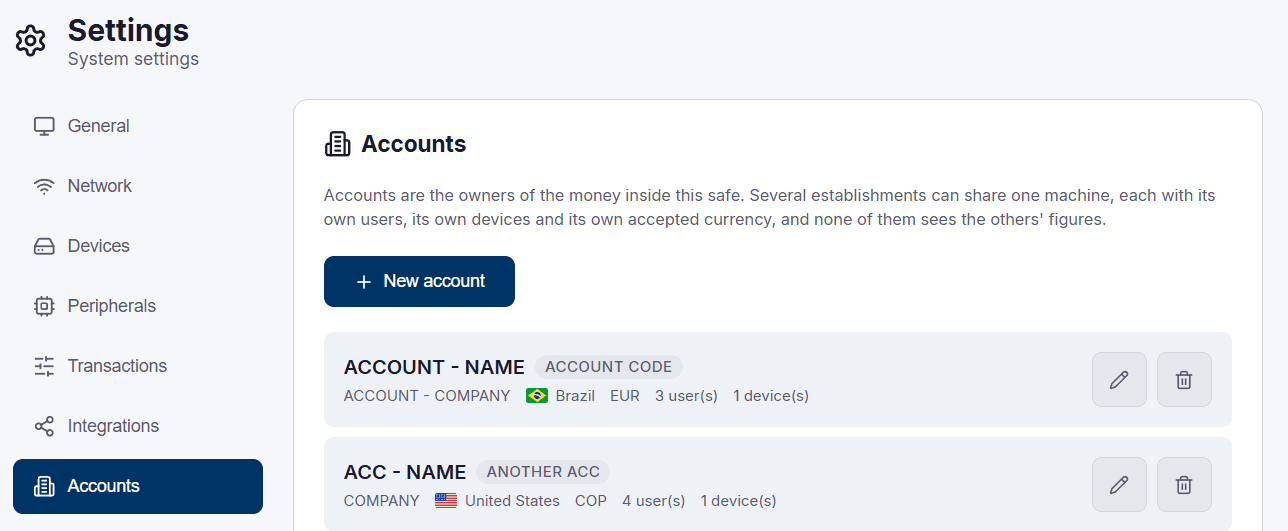
Updates in the background
A new version downloads while the customer keeps operating and installs at the next sign-in.
Users and profiles
Each user signs in with their own profile and sees only what that profile allows.
Support built in
Logs attached to a support ticket from the application itself, and remote assistance.
Made for everyday operation
Real screens of the Smart Safe Client, in the language of whoever signs in.
GLORY Smart Safe Client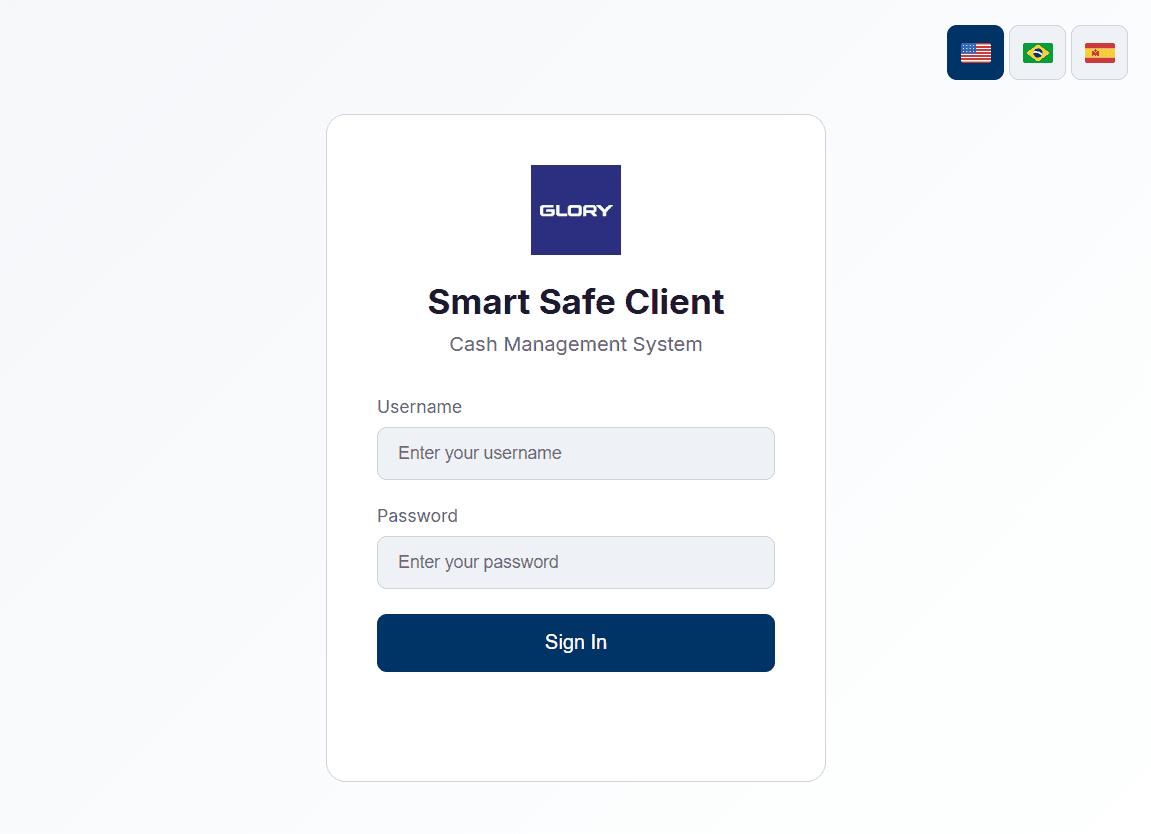 GLORY Smart Safe ClientGLORY Smart Safe Client
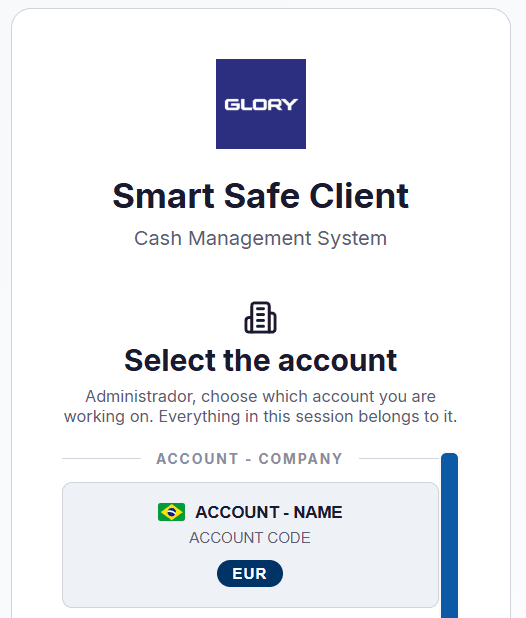 GLORY Smart Safe ClientGLORY Smart Safe Client
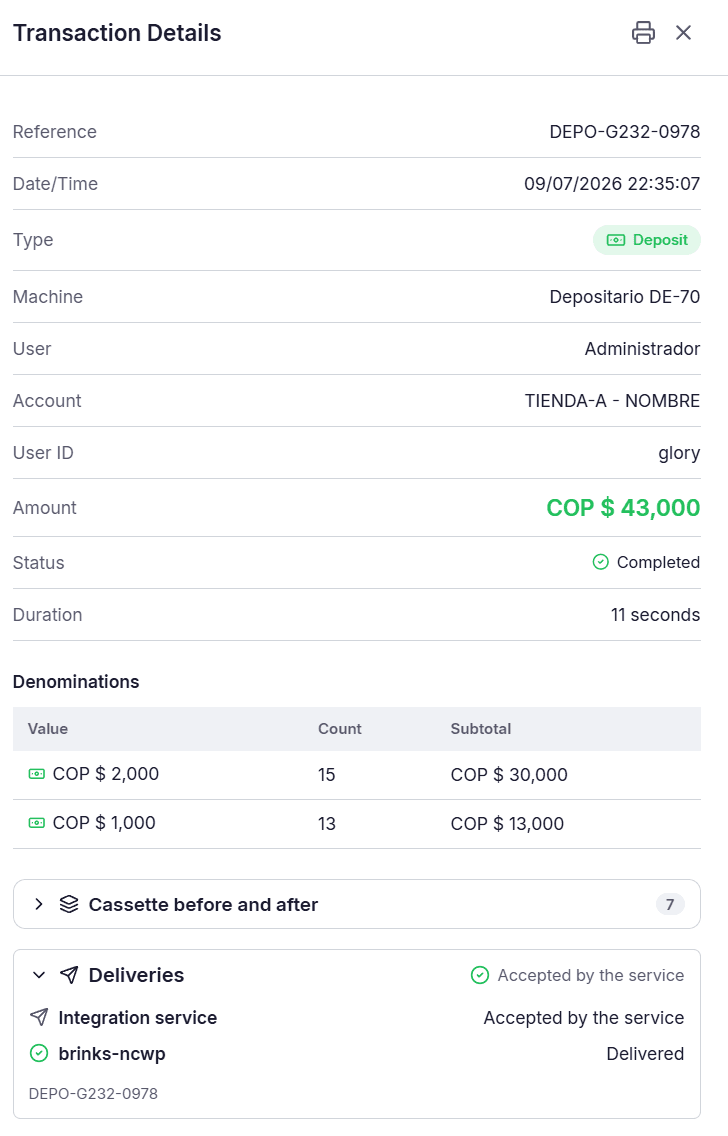 GLORY Smart Safe Client
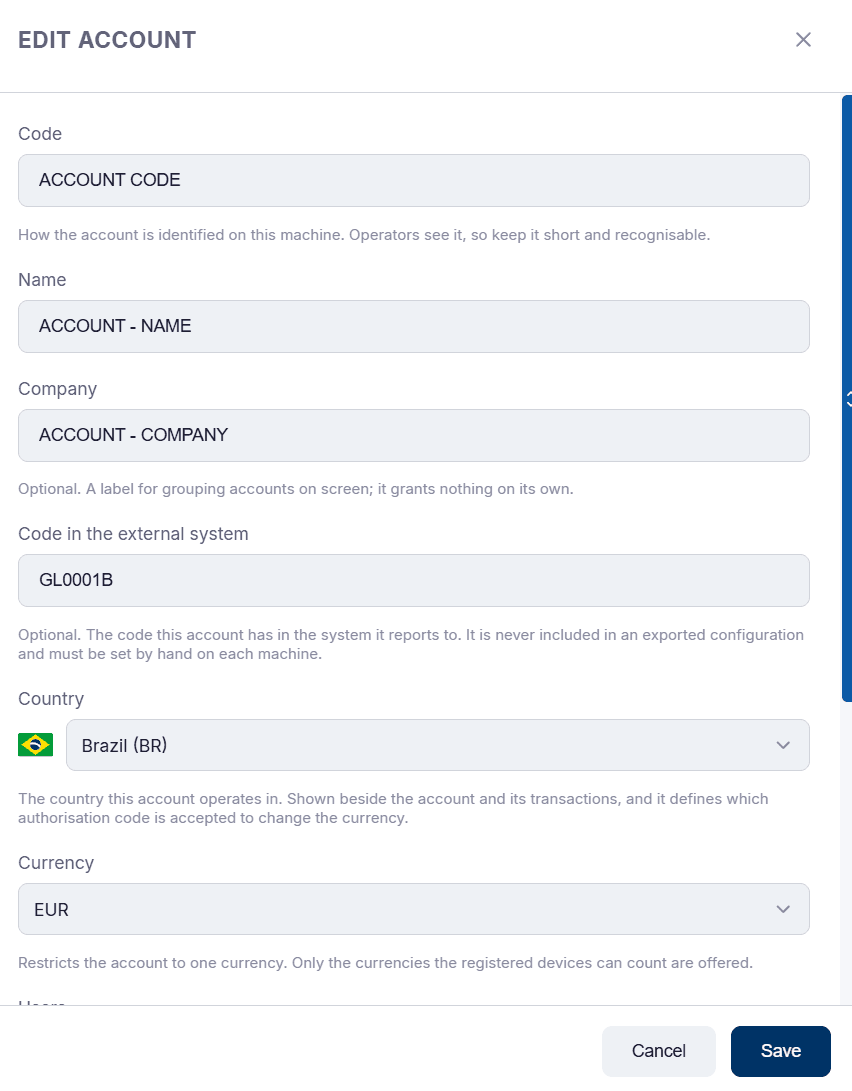 GLORY Smart Safe Client
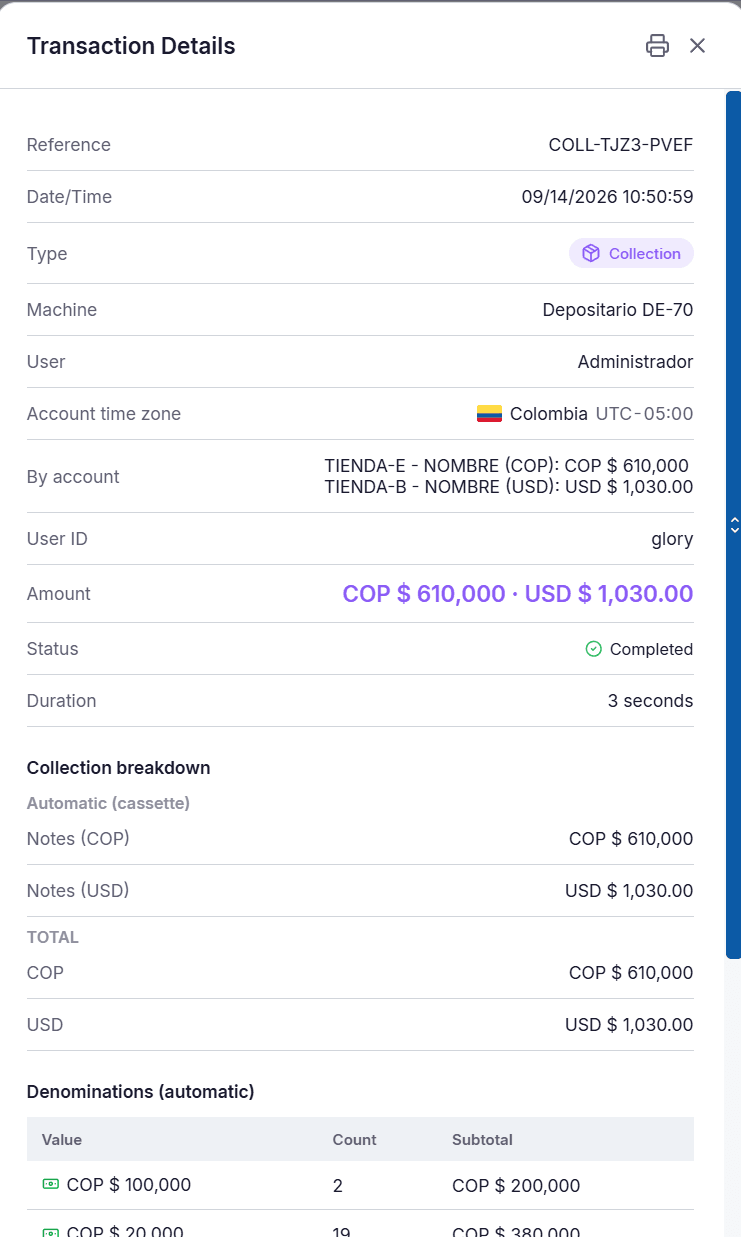 GLORY Smart Safe ClientGLORY Smart Safe ClientGLORY Smart Safe ClientGLORY Smart Safe ClientGLORY Smart Safe ClientGLORY Smart Safe ClientGLORY Smart Safe ClientGLORY Smart Safe ClientGLORY Smart Safe ClientGLORY Smart Safe ClientGLORY Smart Safe ClientGLORY Smart Safe ClientGLORY Smart Safe ClientGLORY Smart Safe Client
From the box to the first deposit
- 01
Prepare the machine
Firmware and the machine’s own settings come first, before any software.
Preparation guide - 02
Install
One command on Windows or Linux sets everything up.
- 03
Configure and operate
Accounts, users and integrations, then the first deposit.
GLORY Smart Safe Client InstallerDetected: Linux x86_64Update the system now? [Y/n] Y (no answer in 10 s)✔ Runtime dependencies: OKFetching latest version...Latest version: 0.5.1No previous installation found.Downloading GLORY Smart Safe Client v0.5.1...Installing to /opt/smart-safe-2...CLI installed: /opt/smart-safe-2/ssc-cliDone! GLORY Smart Safe Client v0.5.1 installed successfully.Run kiosk setup? [Y/n] Y (no answer in 10 s)Runs where the safe is
Windows
Windows 11 or later, 64-bit
Linux x86_64
Debian 13, x86_64
Linux ARM64
Raspberry Pi 4B or later, Raspberry Pi OS 64-bit based on Debian 13
Ready to install?
Download the Smart Safe Client, or start with the preparation guide.
$ curl -fsSL https://api.smartsafe2.com/api/v1/download/install.sh | sudo sh